DIY OWL Cam
Performance Analysis for Dual 4K Owl-Cam
Using the CanaKit Raspberry Pi 5 (8GB) for your owl box project is a solid choice, but handling two 4K streams simultaneously with motion detection and pre-roll buffers is a resource-intensive task.
Here is how the Pi 5 will handle your specific requirements:
1. The Bottleneck: Video Encoding
The Raspberry Pi 5 has a hardware decoder for 4K (HEVC), but it does not have a hardware encoder. This means the Pi must use its CPU (the four ARM cores) to “crunch” the raw 4K video into a format YouTube can stream (H.264).
- One 4K Stream: The Pi 5 can generally handle encoding a single 4K stream at a lower frame rate (around 20–24 fps) using software encoding (libx264).
- Two 4K Streams: Running two simultaneous 4K software encodes will likely max out the CPU, leading to dropped frames or system lag.
2. Motion Detection & Pre-Roll (The “10-Second” Rule)
Your plan to use motion detection to trigger the stream is the “secret sauce” that makes this viable.
- Memory (RAM): The 8GB version you’re looking at is essential here. To keep a 10-second “pre-motion” buffer for two 4K cameras, the Pi needs to hold several hundred megabytes of raw or semi-processed video in a circular buffer in RAM.
- Object Recognition: If you use TensorFlow Lite (via rpicam-detect), the Pi 5 is significantly faster than the Pi 4. It can “watch” the low-res stream for an owl (object recognition) and only trigger the high-res 4K upload when it’s sure something is happening.
3. Starlink & YouTube Integration
- Bandwidth: 4K streaming typically requires 15–25 Mbps per stream. Starlink can handle this, but dual 4K streams might saturate your upload during peak times.
- Software: You’ll likely want to use FFmpeg to manage the stream. It can take the “pre-roll” buffer from RAM and “pipe” it to YouTube the moment motion is detected.
Comparison: Single vs. Dual Camera Load
| Feature | 1 x 4K Camera | 2 x 4K Cameras |
|---|---|---|
| CPU Load | ~40-60% (Moderate) | ~90-100% (High/Critical) |
| RAM Usage | ~1-2 GB | ~3-4 GB (Safe for 8GB model) |
| Thermal | Warm (Active cooling ok) | Hot (May throttle without “Mega” heatsink) |
| Success Rate | Very High | Experimental / Difficult |
Pro-Tips for Success:
- Sub-streaming: Have the cameras provide a low-resolution “sub-stream” (e.g., 720p) for the motion detection engine to watch. Only “wake up” the 4K encoder when the motion threshold is met.
- Limit Frame Rate: For an owl nest, 30fps is overkill. Dropping to 15fps or 20fps will significantly reduce the CPU load and make dual 4K much more stable.
- Active Cooling: The CanaKit “Turbine” case with the PWM fan is a must. Software encoding 4K generates significant heat.
Verdict: The Pi 5 can do it, but you’ll be pushing it to its limits. Start with one camera to dial in your FFmpeg settings, then add the second. If the CPU chokes on two 4K encodes, you might consider dropping the “eggs” camera to 2K (1440p) while keeping the main “feeding” camera at 4K.
Recommend using a free Python/FFmpeg script like https://youtu.be/p2gcvgRWOu4?si=3tzkQMedg9t7-KeG
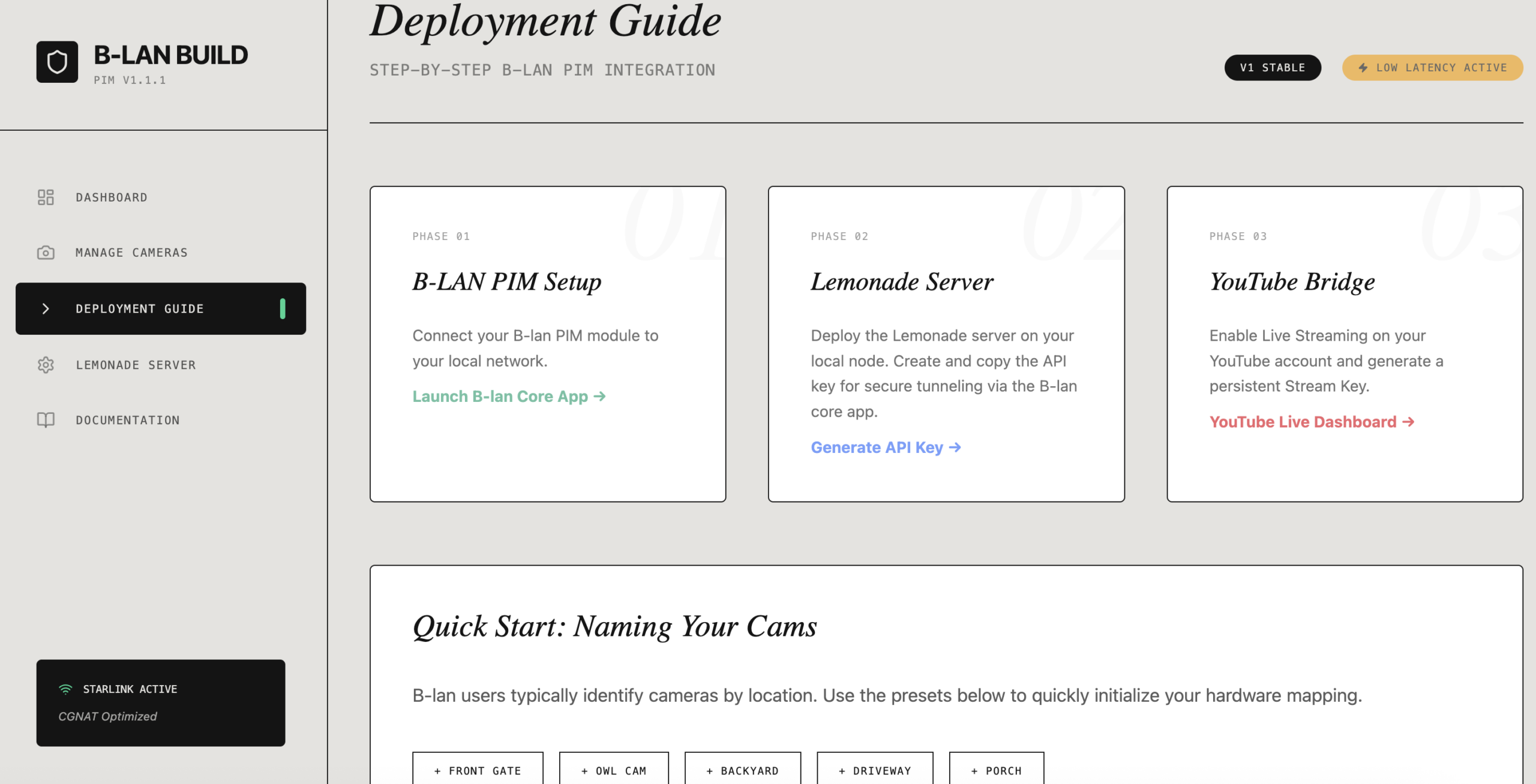
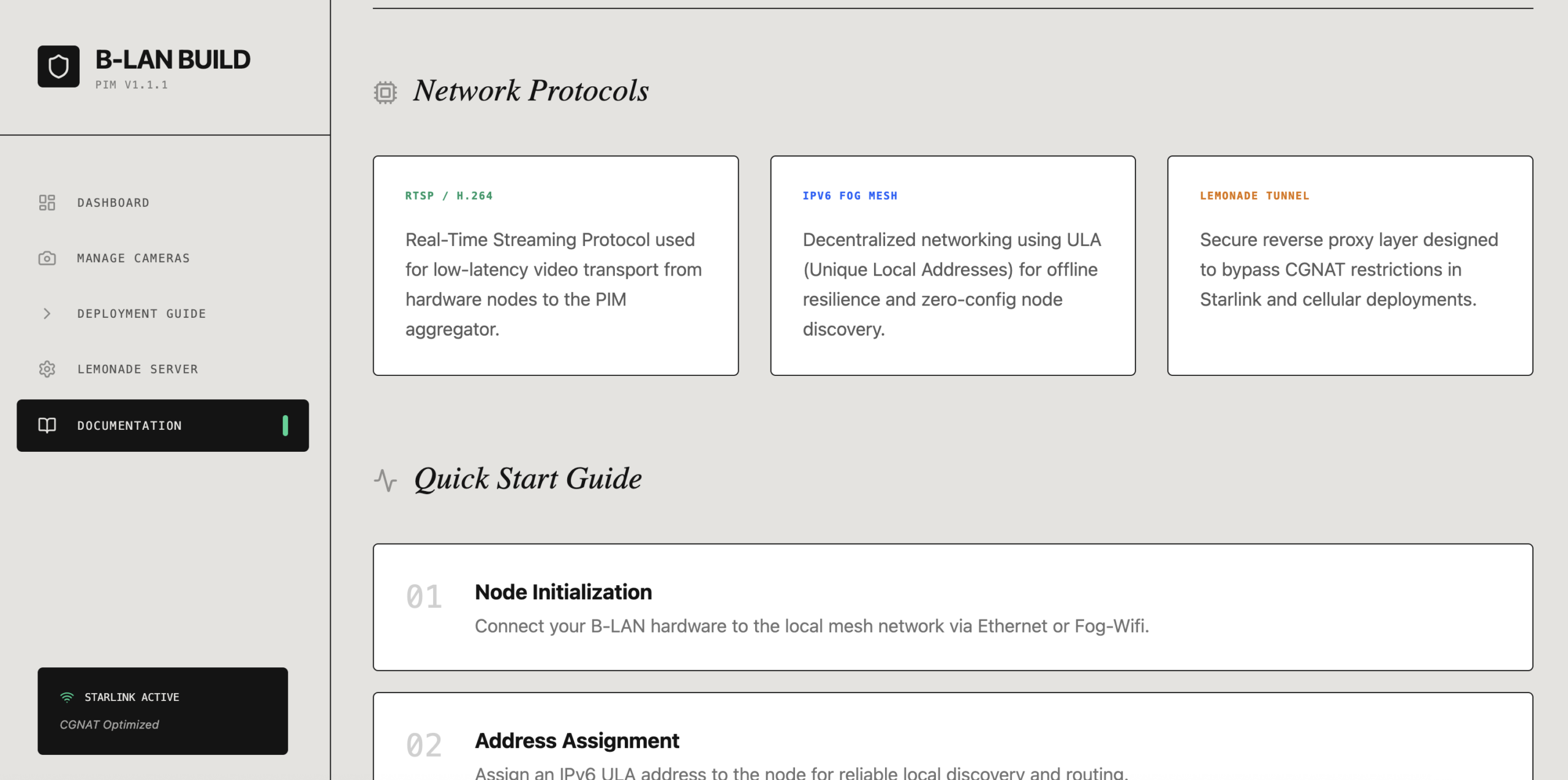
in two weeks you can use the B-lan build Graphical user interface I build for Calabasas and Malibu. As it makes things easier to add cameras and feeds. i made some screen shots
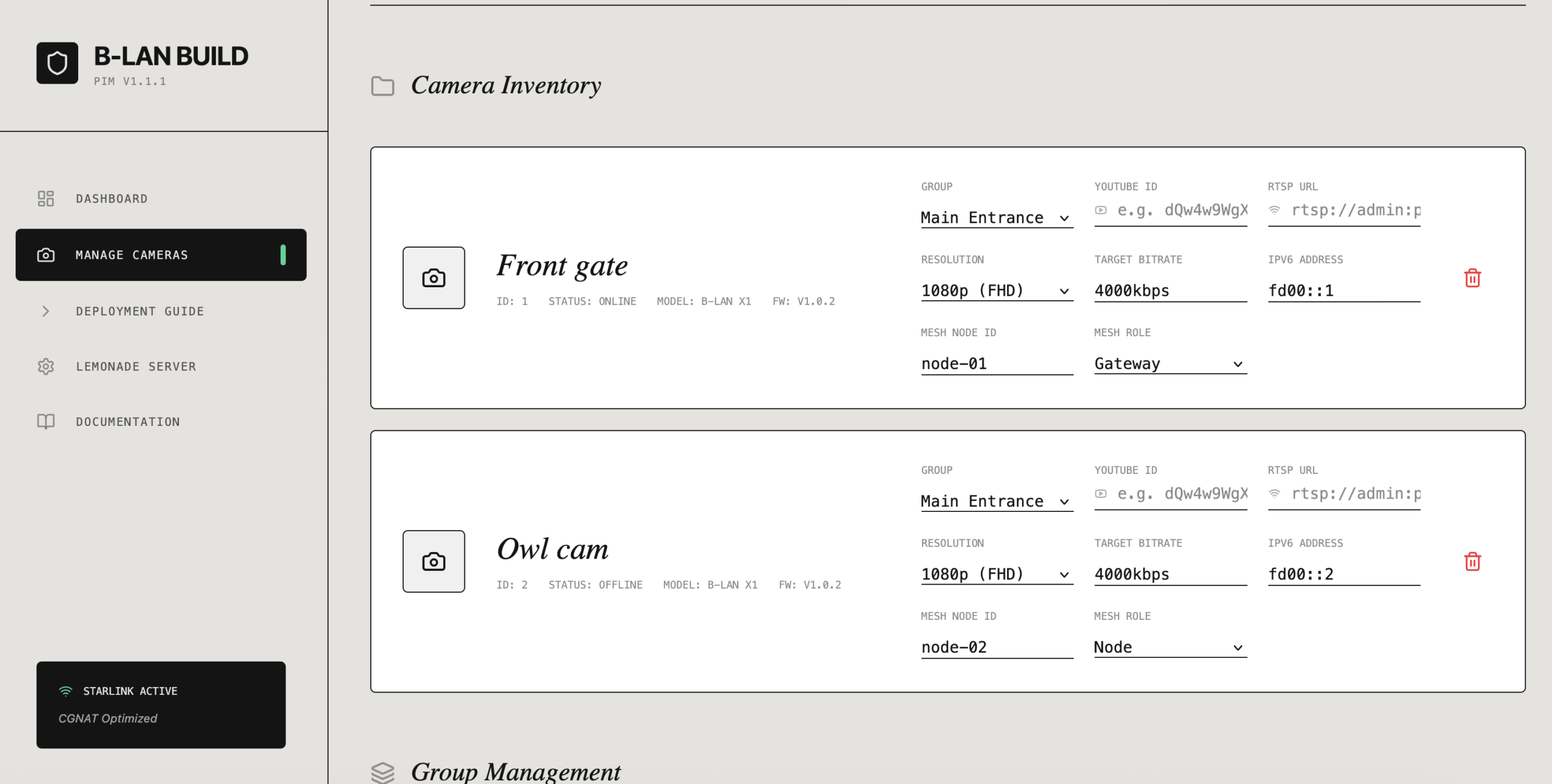
B-lan Build screenshot #1
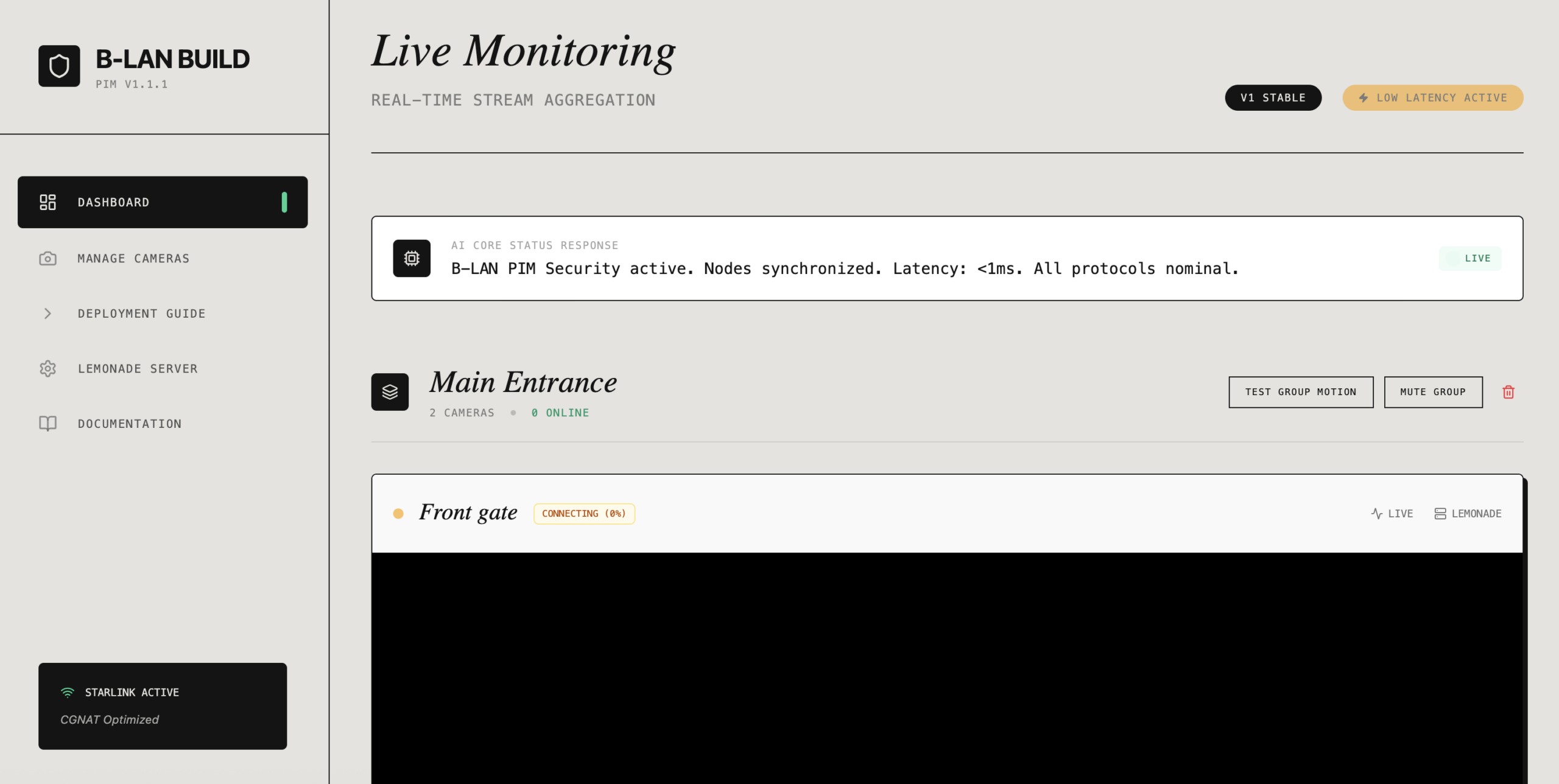
B-lan Build screenshot #2